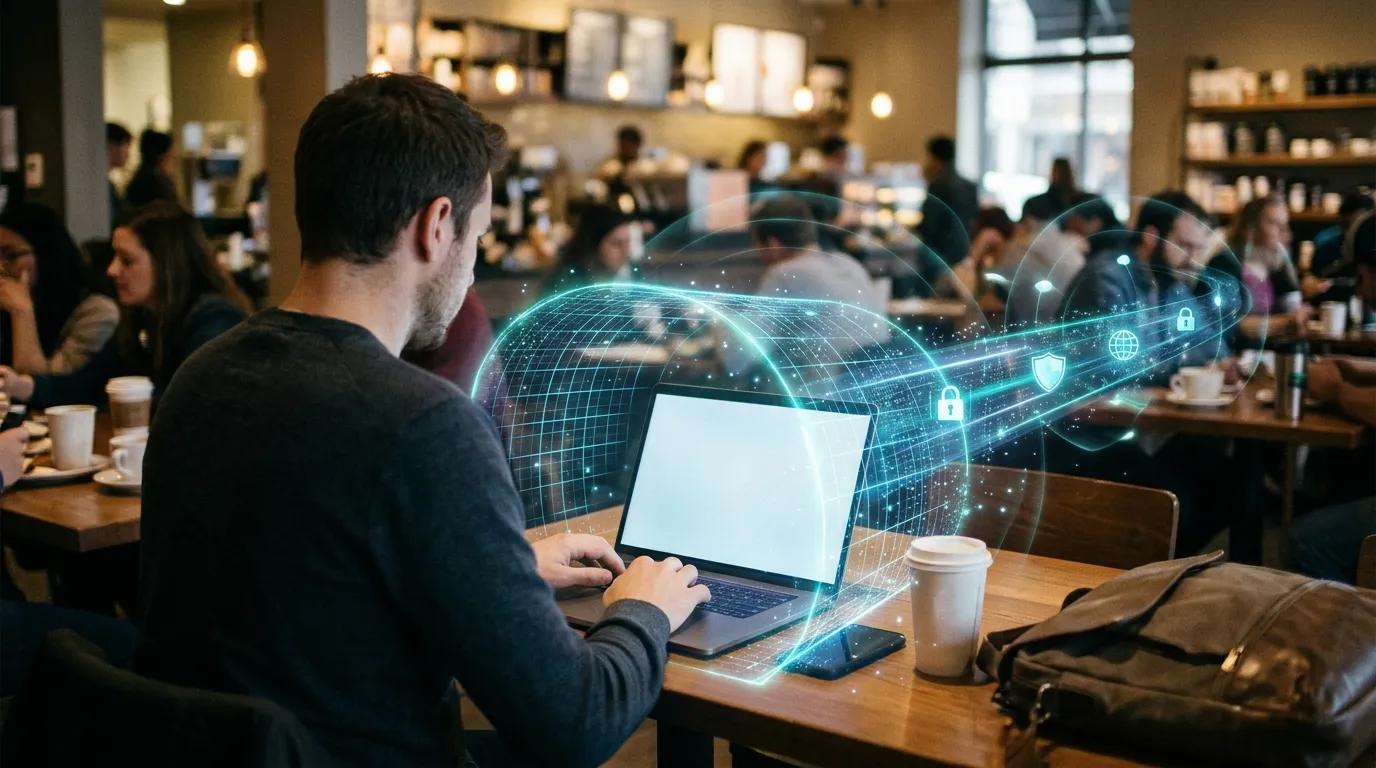
Connecting to public Wi-Fi at an airport, working remotely from a coffee shop, or browsing the web at home all involve sending data across shared network infrastructure. Without additional protection, internet service providers (ISPs), local network operators, and cybercriminals on the same network can monitor where your traffic goes—and potentially intercept unencrypted information.
A Virtual Private Network (VPN) addresses these risks by creating an encrypted connection between your device and a remote server. While VPNs are widely used by businesses and everyday consumers alike, they are also frequently misunderstood as tools that make users completely anonymous online. Understanding how VPNs actually work, what threats they protect against, and where their limits lie helps you decide when using one makes practical sense.
What Is a VPN?
A Virtual Private Network (VPN) is a service or software application that establishes a secure, encrypted "tunnel" between your device (such as a laptop or smartphone) and a VPN server operated by a trusted provider or your organization.
When you browse the internet normally, your device communicates directly with websites through your ISP, exposing your real IP address (a numerical identifier linked to your network and approximate geographic location) and allowing your ISP to log which domains you visit. When a VPN is active, your internet traffic is encrypted on your device first, routed through the VPN server, and then sent onward to the destination website. To outside observers and destination websites, your traffic appears to originate from the VPN server's IP address rather than your own.
How a VPN Works in Three Steps
Behind the scenes, a VPN protects your connection through a continuous sequence:
- Encryption on Your Device: Before data leaves your smartphone or computer, the VPN client scrambles it using cryptographic algorithms such as AES-256 or ChaCha20. Even if someone intercepts the data packets on a local Wi-Fi network, the contents appear as unreadable code without the decryption keys.
- Tunneling to the VPN Server: The encrypted data travels through your ISP or public Wi-Fi router directly to a remote VPN server. Your ISP can see that you are connected to a VPN server and how much data is moving, but it cannot see the specific websites you visit or the content you transmit.
- Decryption and Forwarding: The VPN server decrypts your request, forwards it to the destination website or online service using its own IP address, and returns the website's response back through the encrypted tunnel to your device.
Common VPN Protocols
VPNs rely on underlying networking rules—called protocols—to establish and maintain that encrypted tunnel:
- WireGuard: A modern, lightweight protocol known for fast connection speeds, low battery overhead on mobile devices, and streamlined cryptography.
- OpenVPN: A long-standing, open-source protocol valued for strong security and high configurability across desktop and router setups.
- IKEv2/IPsec: A protocol well suited for smartphones because it quickly re-establishes an encrypted connection when switching between Wi-Fi and cellular data.
What a VPN Protects vs. What It Does Not
A common misconception is that turning on a VPN makes you completely invisible online. In reality, a VPN protects data in transit, not every tracking method on the web.
| What a VPN Protects | What a VPN Does Not Prevent |
|---|---|
| Public Wi-Fi eavesdropping: Shields passwords, messages, and browsing data from attackers on shared local networks. | Account-based tracking: Websites still know who you are if you log into Google, social media, or shopping accounts. |
| IP address visibility: Masks your real IP address and physical location from websites and advertisers. | Cookies and browser fingerprinting: Sites can still track your habits via browser cookies and device settings. |
| ISP browsing logs: Prevents your internet provider from recording the specific websites and pages you visit. | Malware and phishing: A VPN cannot stop malicious downloads or deceptive links if you click on them. |
Practical Scenarios: When You Actually Need a VPN
You do not necessarily need a VPN running 24 hours a day on a trusted home network, especially since most modern websites already use HTTPS encryption to protect passwords and payment details in transit. However, a VPN provides clear value in several everyday situations:
- Using Public Wi-Fi Networks: Unsecured or shared Wi-Fi networks in hotels, airports, cafes, and conference centers make it easier for nearby attackers to intercept unencrypted traffic or set up fake "evil twin" hotspots. A VPN encrypts all device traffic before it crosses the local router.
- Working Remotely: Businesses routinely use corporate VPNs so remote employees can safely access internal company servers, databases, and shared drives over public internet connections.
- Reducing IP-Based Location Tracking: If you want to prevent websites, data brokers, or ad networks from tying your browsing sessions directly to your home IP address and city, routing traffic through a VPN server masks that identifier.
- Traveling Abroad: Travelers often use a VPN to maintain secure connections on unfamiliar networks or to access home-region banking and digital services that might otherwise flag foreign logins as suspicious.
What to Look for When Choosing a VPN Service
Because a VPN routes your internet traffic through its servers, choosing a trustworthy provider is critical—an unreliable or free VPN can log and sell the very browsing data you are trying to protect. When evaluating a VPN service, look for:
- Verified No-Logs Policy: A clear privacy policy backed by independent third-party security audits confirming the provider does not store records of your browsing activity or originating IP address.
- Modern Encryption and Protocols: Support for established protocols such as WireGuard or OpenVPN alongside strong encryption standards.
- Kill Switch Feature: An automatic safeguard that blocks internet traffic if the VPN connection unexpectedly drops, preventing accidental exposure of your real IP address.
- Transparent Ownership and Jurisdiction: Clear information about who owns the company, where it is legally registered, and how it responds to data requests.
Frequently Asked Questions (FAQ)
Does a VPN slow down your internet connection? Yes, slightly. Encrypting data and routing it through an intermediary server adds a small amount of latency. With modern protocols like WireGuard and a nearby server, speed reductions are often minimal, though connecting to distant international servers can noticeably lower download speeds.
Are free VPNs safe to use? Many free consumer VPNs monetize their service by displaying advertisements, limiting bandwidth, or collecting and sharing user browsing data with third parties. If you choose a free option, stick to reputable providers that offer a limited free tier supported by paid subscriptions rather than opaque, ad-supported apps.
Is using a VPN legal? In most countries, using a VPN for personal privacy, remote work, and cybersecurity is completely legal. However, a small number of countries restrict or ban unauthorized VPN services, and using a VPN never makes illegal online activities lawful.
Do I still need HTTPS and antivirus software if I use a VPN? Yes. A VPN encrypts your network connection, whereas HTTPS protects end-to-end communication with individual websites, and antivirus or anti-malware tools protect your device from harmful files and phishing attacks.
Conclusion
A Virtual Private Network is a practical tool for securing internet traffic on untrusted networks, masking your IP address, and protecting remote work connections. While it does not replace good browser privacy habits, strong passwords, or malware protection, using a reputable VPN when traveling or connecting to public Wi-Fi adds an essential layer of privacy and security to everyday online activity.
Sources & Further Reference
- Federal Trade Commission (FTC) – Tips for Using VPN Apps
- National Institute of Standards and Technology (NIST) – Guide to IPsec VPNs
- Cybersecurity and Infrastructure Security Agency (CISA) – Securing Network Infrastructure and Remote Access
- Electronic Frontier Foundation (EFF) – Surveillance Self-Defense: Choosing the VPN That's Right for You
- UK National Cyber Security Centre (NCSC) – Virtual Private Networks (VPNs) Guidance
Disclaimer: This article is intended for general educational and informational purposes only and does not constitute professional cybersecurity or legal advice. VPN regulations, provider privacy practices, and technical capabilities vary by jurisdiction and service.